
Key Features
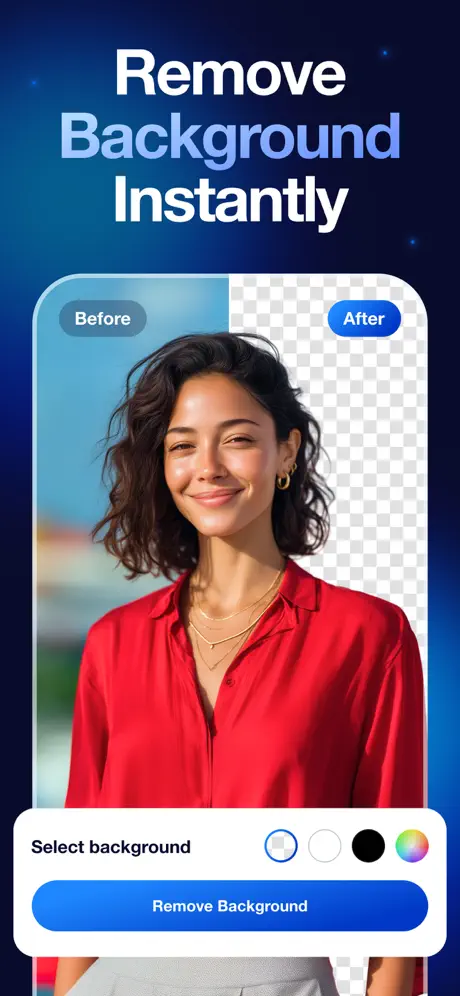
Automatic Background Removal
Remove backgrounds from images instantly with AI-powered precision in just one tap.
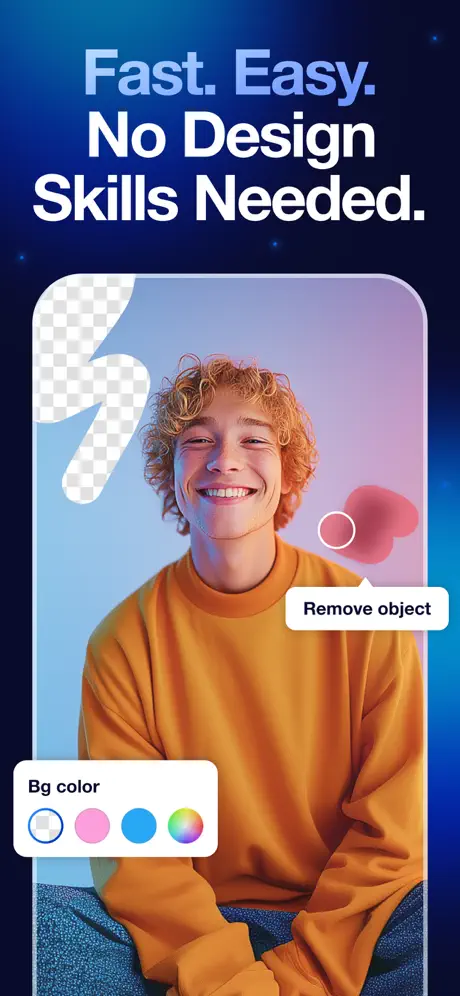
Edit & Customize Backgrounds
Replace backgrounds with colors, gradients, or custom images to create stunning visuals.
High-Quality Export
Download your edited images in high resolution with transparent or custom backgrounds.
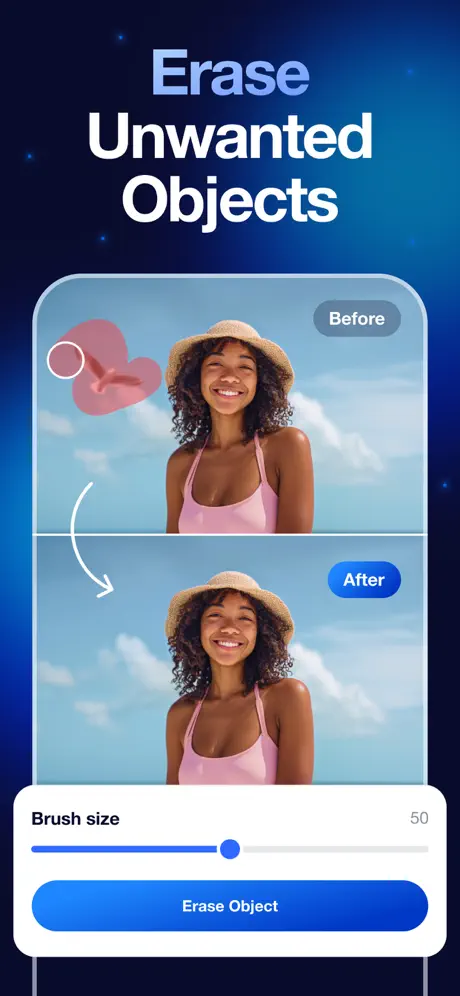
App Screenshots


What Users Say
"This app removes backgrounds perfectly in seconds. Huge time saver!"
Alex R.
"Super easy to use and the cutouts are very clean and accurate."
Jordan M.
"Great for editing photos and creating professional-looking images quickly."
Chris L.
Ready to Get Started?
Download our app today and start creating amazing music and beats instantly.
Download on App StoreFrequently Asked Questions
Is this app free to use?
Yes, the app is free to download and use. Some advanced features may require in-app purchases.
How does background removal work?
Simply upload an image and the AI will automatically detect and remove the background.
Can I change the background?
Yes, you can replace the background with colors, gradients, or your own images.
Can I download images with transparent backgrounds?
Yes, you can export images with transparent backgrounds in high quality.